Get Paid With Your Rizful QR Code
How to download and use the QR code
- Start on Rizful's "Receive Payment" screen
- Click the "Download Payment QR" button.
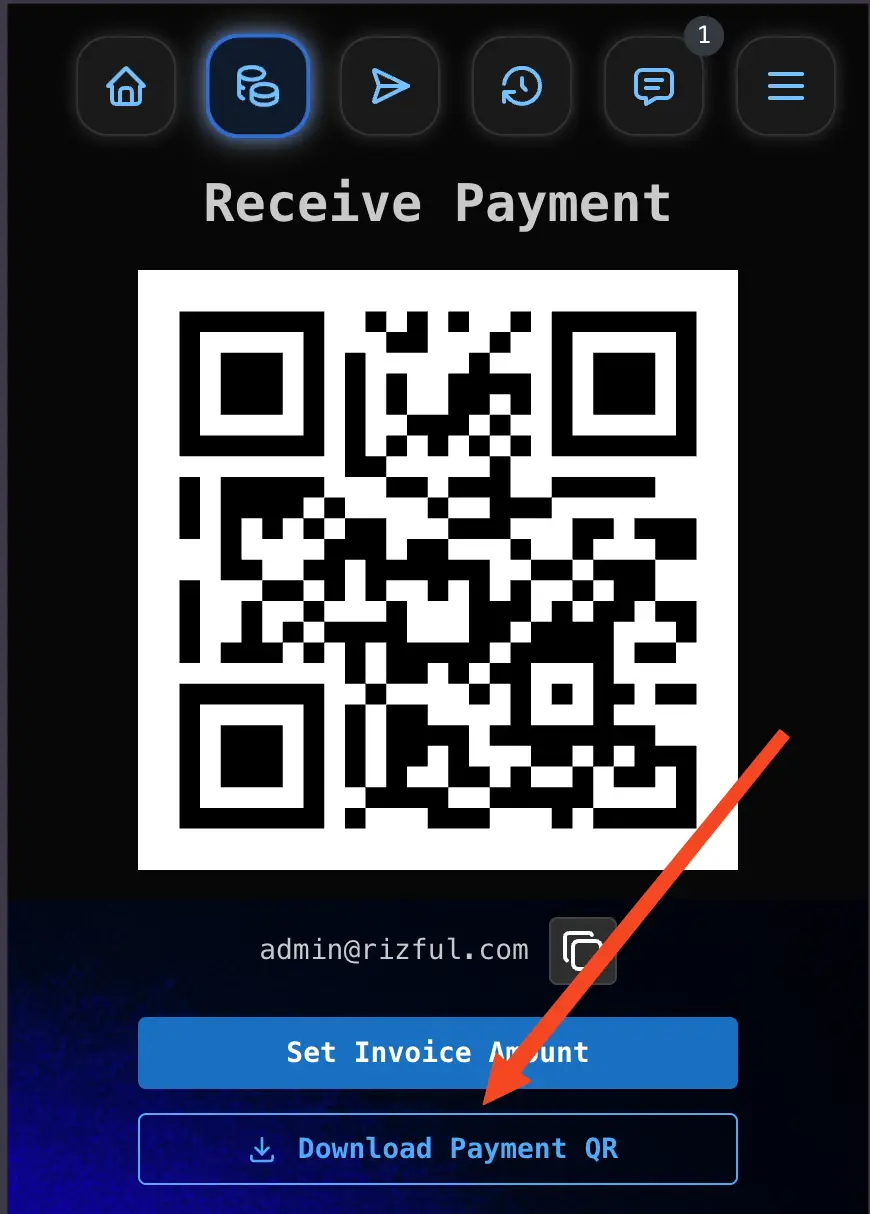
- Save the QR code image to your device.
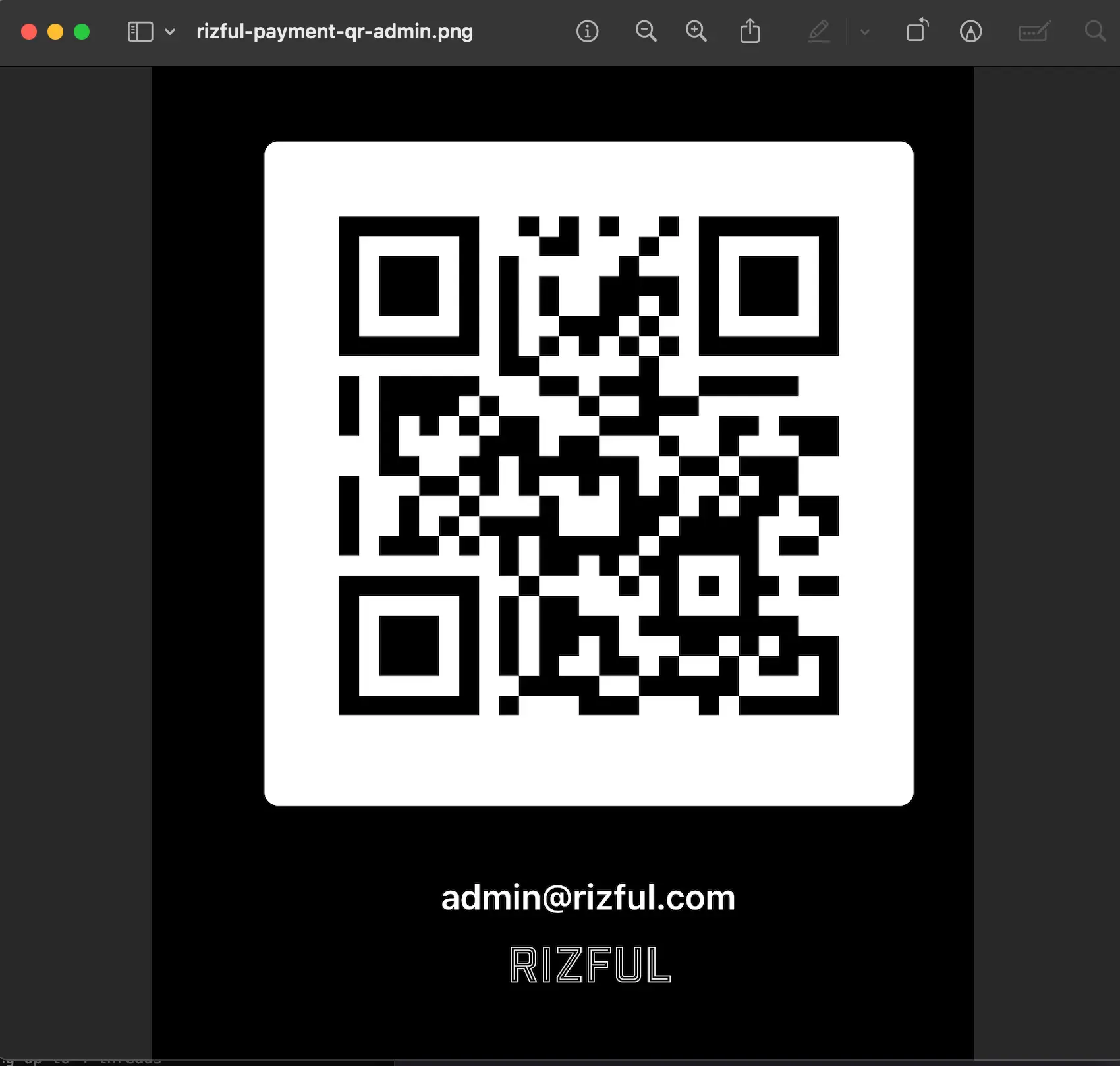
You can use the downloaded image to:
- Print it and display it at a shop, stall, or event.
- Upload it to your website or product page so customers can pay there.
- Embed it in invoices, receipts, or marketing materials.
- Share it via email, messaging apps, or social media.
A static QR code is great for tips and donations. If you want your site to create an invoice per order and mark it paid automatically, use OpenReceive — it connects to this same vault with a receive-only NWC code.
This QR code works similarly to your Rizful Lightning Address: It has no expiration date and can be used multiple times to receive payments of any size.
That's it!
With the QR code saved, customers can scan and pay you instantly using any BTC Lightning wallet!