Easy Onboarding Flow for Nostr Clients
If you're building a Nostr client and want to give your users instant access to Lightning payments and zaps, Rizful provides a simple OAuth-like integration flow that handles all the complexity for you.
This flow has already been integrated with Jumble.social — see how it works here.
Why Use This Integration?
Many Nostr apps tie wallet functionality to the user's nsec (private key). This approach poses risks for mainstream users who:
- Will likely expose their nsec to sketchy apps
- Will likely misplace their nsec
- Will forget where their sats are stored, with no way to recover them
Rizful takes a safer approach:
- User funds are not connected to their nsec
- Users sign up with email/password (burner emails and VPNs allowed)
- Optional 2FA for additional security
- Password can always be reset via email — no lost funds
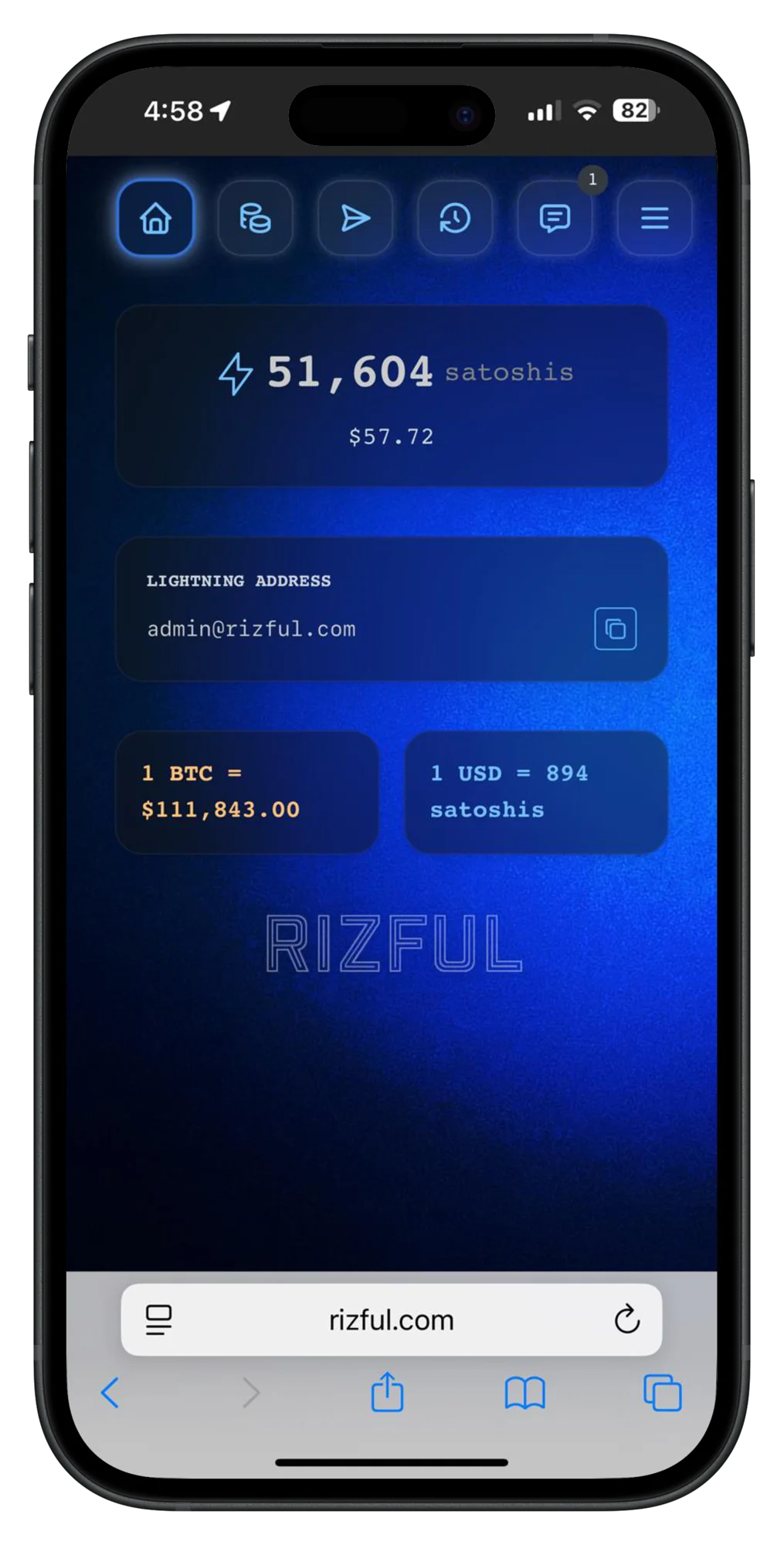
It's not 100% cypherpunk, but it's practical and the right way to onboard normies to zaps.
What Your App Gets
When a user completes the Rizful onboarding flow, your app receives:
| Credential | Purpose |
|---|---|
| NWC URI | Nostr Wallet Connect string for making Lightning payments |
| Lightning Address | For receiving payments (can also be used as NIP-05) |
How It Works
The integration follows a simple three-step flow:
1. Account Creation (Optional)
New users click a button to open Rizful's signup page in a popup. Existing Rizful users can skip this step.
2. Authorization Code Generation
Users click "Get Code" to open Rizful's token generation page, authorize the integration, and receive a one-time code. This code is time-limited and single-use for security.
3. Token Exchange
Your app exchanges the one-time code (along with the user's Nostr public key) for the credentials:
POST https://rizful.com/nostr_onboarding_auth_token/post_for_secrets

Request:
{
  "secret_code": "one-time-code-from-rizful",
  "nostr_public_key": "64-character-hex-public-key"
}

Response:
{
  "nwc_uri": "nostr+walletconnect://...",
  "lightning_address": "user@rizful.com",
  "nostr_public_key": "64-character-hex-public-key"
}
What To Do With The Credentials
Once you receive the credentials from Rizful:
-
Save the NWC URI so the user can make Lightning payments. Remember: NWC codes are sensitive! Never send them to your server unless you're absolutely sure you can store them securely. Ideally, they never leave the user's device.
-
Apply the Lightning Address to the user's profile and sync it to Nostr relays as the user's metadata (LUD-16).
-
Optionally use the Lightning Address as NIP-05 for the user's verified identity.
Get The Demo Code
The Rizful integration demo includes complete React + TypeScript code showing how to implement this flow:
👉 github.com/MegalithicBTC/rizful-integration-demo
Quick Start
git clone https://github.com/MegalithicBTC/rizful-integration-demo.git
cd rizful-integration-demo
npm install
Create a .env file:
VITE_RIZFUL_ORIGIN=https://rizful.com
Start the dev server:
npm run dev
Open http://localhost:3008 in your browser.
Requirements
- Node.js 22.12 or higher
- npm or yarn
Questions?
If you're building a Nostr client and want help integrating Rizful, contact the Rizful team.