Best Bitcoin Wallets: Tested with Real Bitcoin
We tested five bitcoin wallets that run on your phone or in your web browser, and send and receive instant Lightning payments. Not by reading about them: on November 17, 2026, we passed one real payment of 1,000 sats through all five, from wallet to wallet and back, and wrote down what each one charged, as each one showed it.
A sat is short for satoshi, which is the smallest unit of bitcoin. There are a hundred million satoshis in a bitcoin, so 1,000 sats was about 64 US cents that day (more on sats).
The quickest start: a free Lightning address at rizful.com, with an email and a password. Full disclosure: we make Rizful.
This guide doesn't cover hardware wallets. If you want one for your savings, look at Trezor, BitBox or Blockstream Jade. We didn't test those here.
The Short Answer
Pick by what you want to do:
| If you want to... | Use | Why |
|---|---|---|
| Start simply (the best bitcoin wallet for beginners) | Rizful | Nothing to download: it runs in your web browser, on any phone or computer. A Lightning Address right away. Receiving is free |
| Use an app from the store | Phoenix or Lexe | Phoenix, from one of the teams that builds Lightning. Lexe runs your node for you, always online |
| Run your own Lightning node on your phone | Zeus | A real node, right on the phone |
| Run your own Lightning node on your computer | Alby Hub | You use it in a web browser and on your phone with Alby Go. Its channel comes from Megalith |
How We Tested
One payment, passed along: Rizful paid Phoenix 1,000 sats, Phoenix paid Lexe, Lexe paid Zeus, Zeus paid Alby Hub, and Alby Hub paid the sats home to Rizful. So every wallet in this list received a real payment and sent one, each the same 1,000 sats, and the fees can be compared. Each payment took seconds.
What each one charged on its 1,000 sats:
| Wallet | To receive | To send | Where we saw it |
|---|---|---|---|
| Rizful | 0 | 6 (1 to Rizful, 5 for routing) | Rizful's own record |
| Phoenix | 0 | 8 | Phoenix, before and after paying |
| Lexe | 5 | 6 | Lexe's payment details and its confirm screen |
| Zeus | 0 | 4 | Zeus's "Payment successfully sent" |
| Alby Hub | 0 | 4 | The hub's record of the payment |
| All five | 33 sats |
Receiving was free everywhere but Lexe. Sending cost 4 to 8 sats on 1,000. A wallet's fees can depend on more than the wallet (routing changes from payment to payment), so these are what we paid that day, not prices; each wallet's own fee page is linked below.
Best Bitcoin Wallet for Beginners: Rizful
Rizful is our pick for beginners, and the first in the list (we make it). There's nothing to download from a store: it runs in your web browser, on any phone or computer. Sign up with an email and a password, then add it to your home screen, and it opens like an app.
You get a Lightning Address right away: it looks like an email address, and anyone can pay it from any Lightning wallet (what a Lightning Address is). Ours is user@rizful.com.
Rizful's FAQ: "Receiving payments into your account is free. Sending payments costs 0.1% plus Lightning routing fees."
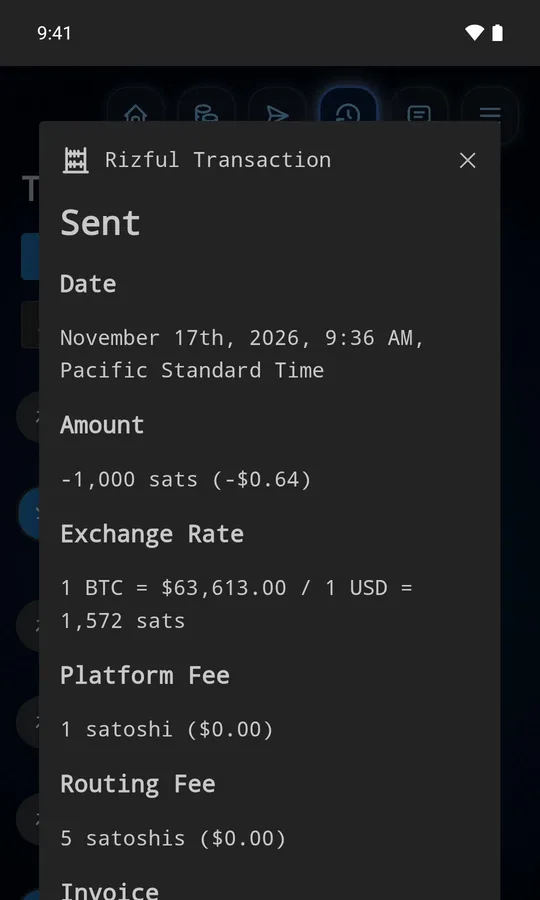
In our test Rizful started the payment, paying Phoenix's 1,000-sat invoice, and its own record shows the two fees: 1 sat for Rizful (the 0.1%) and 5 for routing.
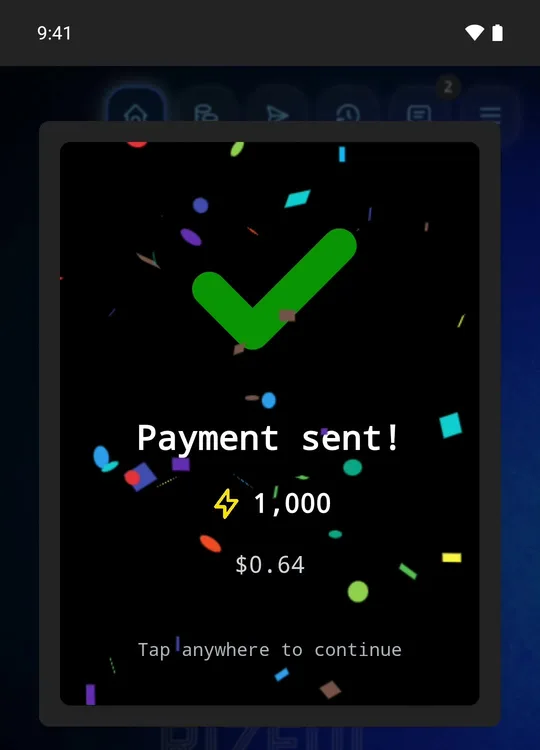
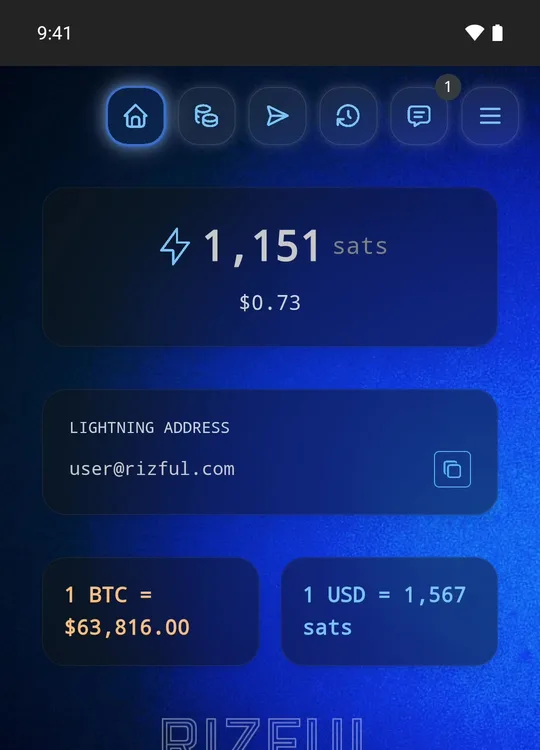
At the end of the test the sats came home: Alby Hub paid user@rizful.com 1,000 sats, and all 1,000 arrived.
Phoenix
Phoenix is a phone app from ACINQ, one of the teams that builds Lightning itself.
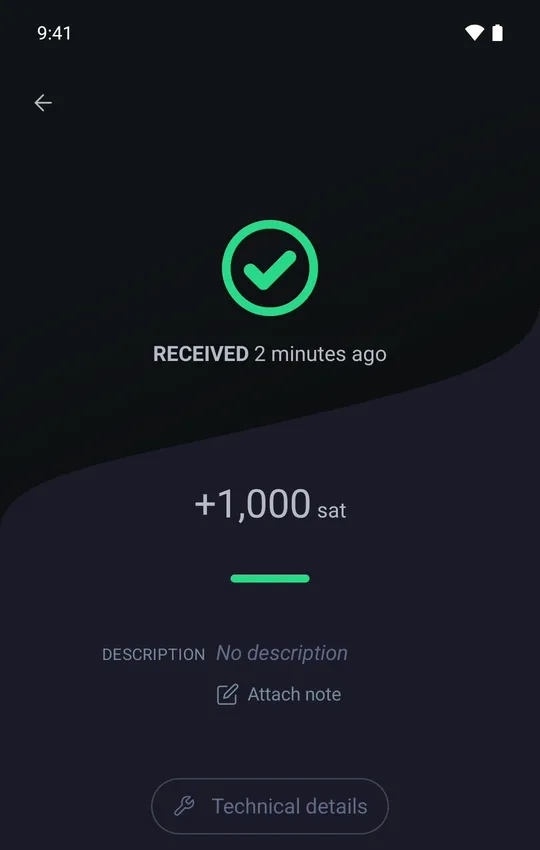
Receiving: Phoenix made an invoice for 1,000 sats, Rizful paid it, and all 1,000 arrived. That was free because this wallet already had a channel. On a new Phoenix wallet, the first payment in pays for that channel: its FAQ lists "Receiving via Lightning with insufficient liquidity: 1% + mining fees" and "Channel creation: 1000 sat".
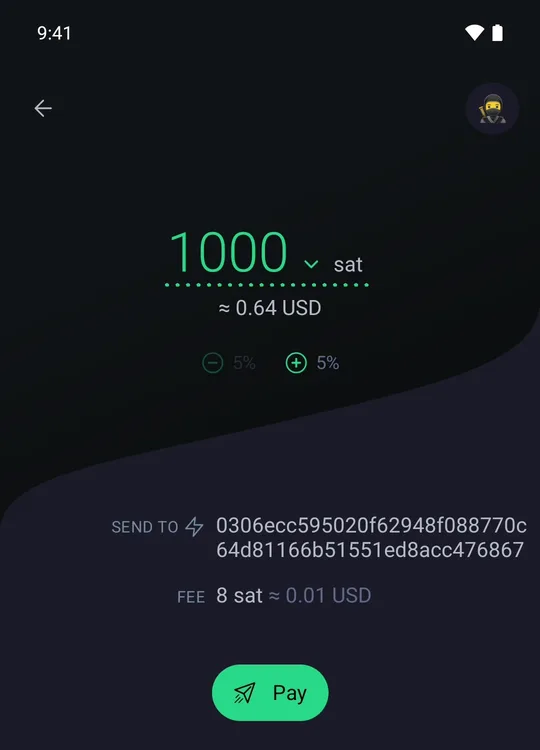
Sending: Phoenix paid Lexe's 1,000-sat invoice and showed its fee before we paid: 8 sats. That's its FAQ's "Sending via Lightning: 0.4 % + 4 sat" exactly.
Lexe
Lexe runs your Lightning node for you, in the cloud, always online.
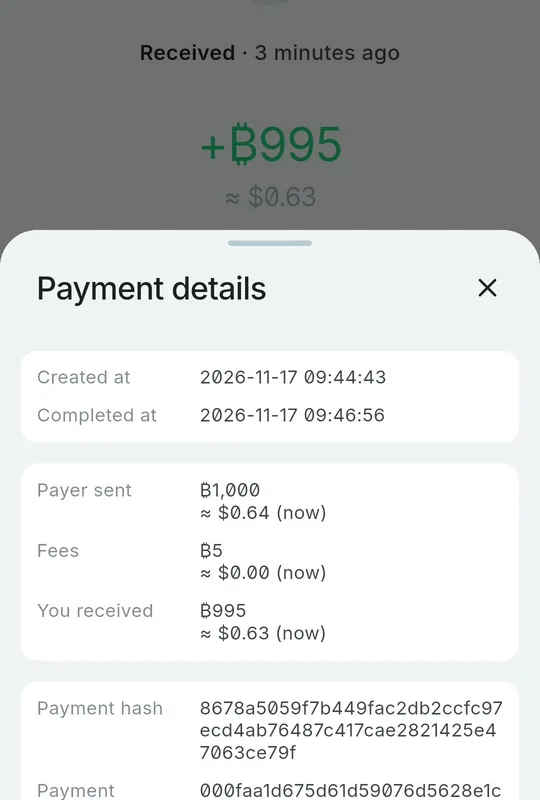
Receiving: Phoenix's 1,000 sats arrived as 995. Lexe kept 5: its pricing page lists "Lightning send/receive: 0.5%".
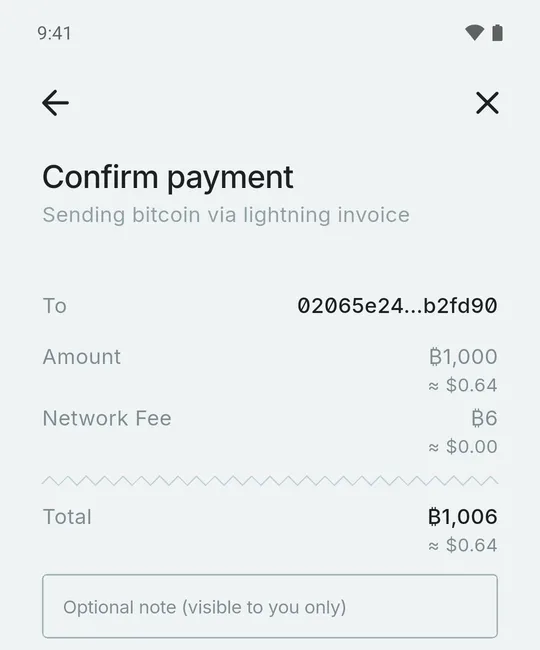
Sending: Lexe paid Zeus's 1,000-sat invoice and showed its fee first: 6 sats, half a percent plus routing (its pricing page: "Sending to non-Lexe users also adds a network fee").
Zeus
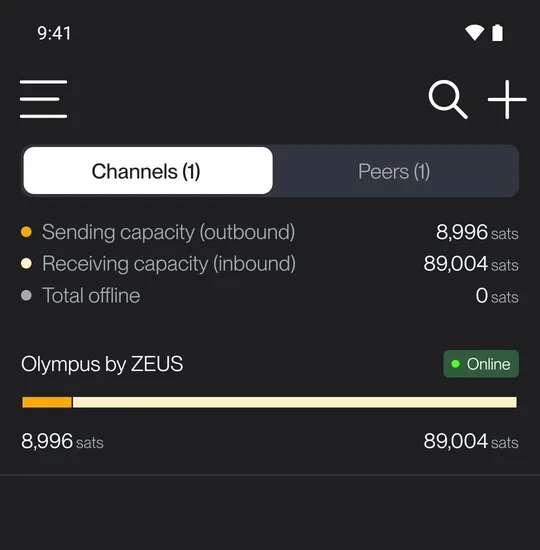
Zeus runs a real Lightning node, right on your phone. A node needs a channel to receive: ours comes from Zeus's own provider, Olympus.
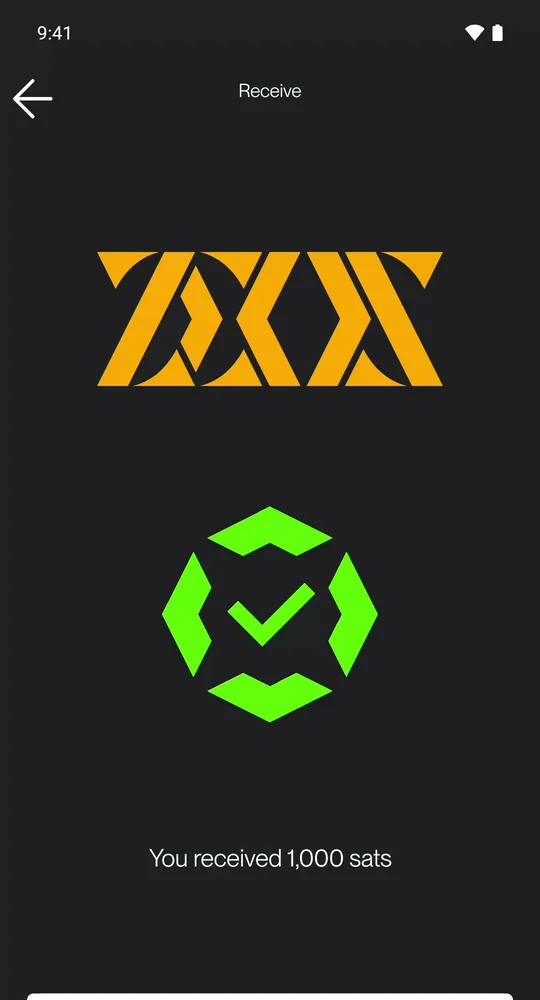
Receiving: Lexe paid Zeus's invoice, and Zeus received every sat: on your own channel, there's no fee to receive.
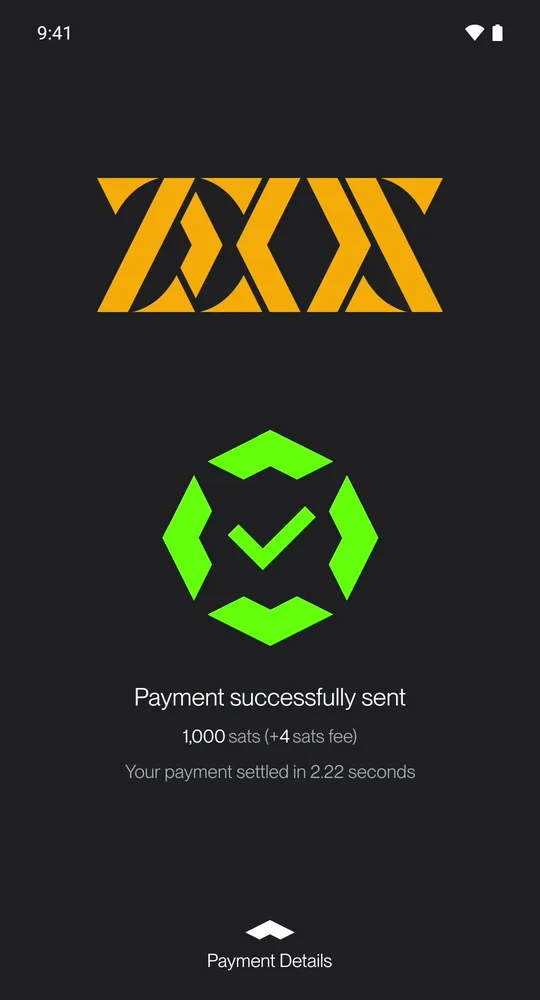
Sending: Zeus paid Alby Hub's invoice: 4 sats in fees, and it settled in 2.22 seconds.
Alby Hub
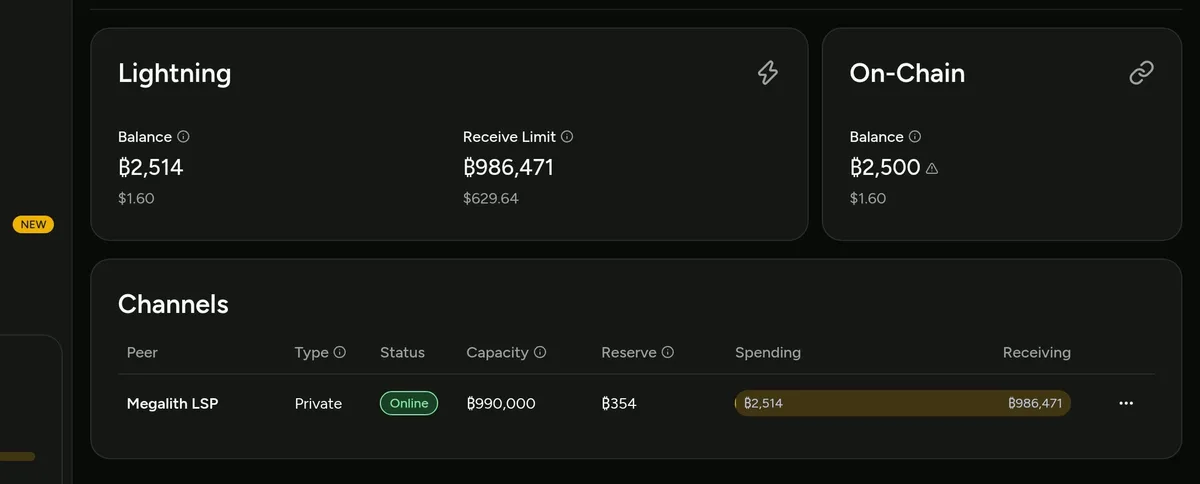
Alby Hub is your own Lightning node on your computer. You use it in a web browser, and on your phone with Alby Go. Its channel comes from Megalith, the channel partner Alby Hub suggests. It's also a good choice for selling online: it works with OpenReceive, the safe way to receive bitcoin and stablecoin payments for websites and apps.
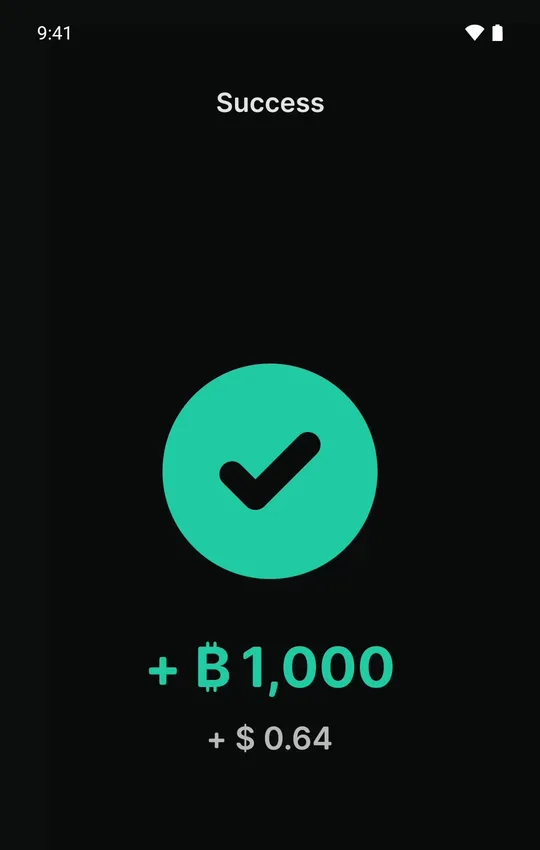
Receiving: Alby Go made the invoice, Zeus paid it, and the hub received all 1,000 sats.
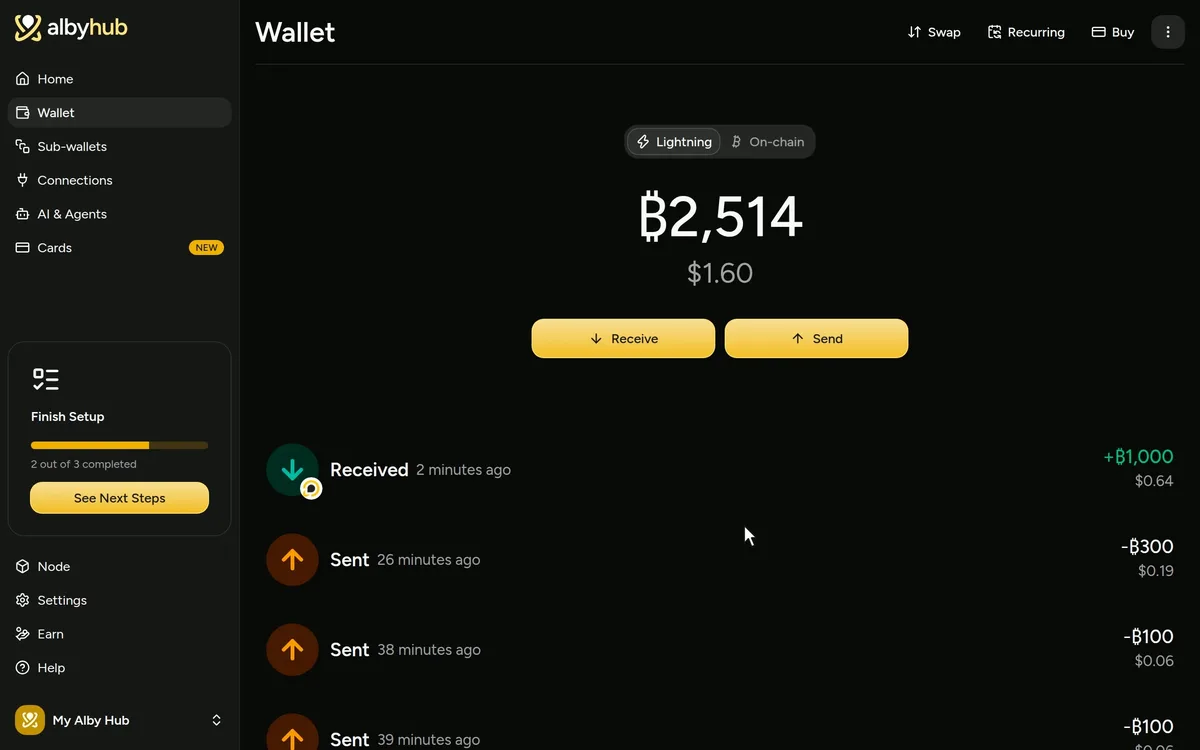
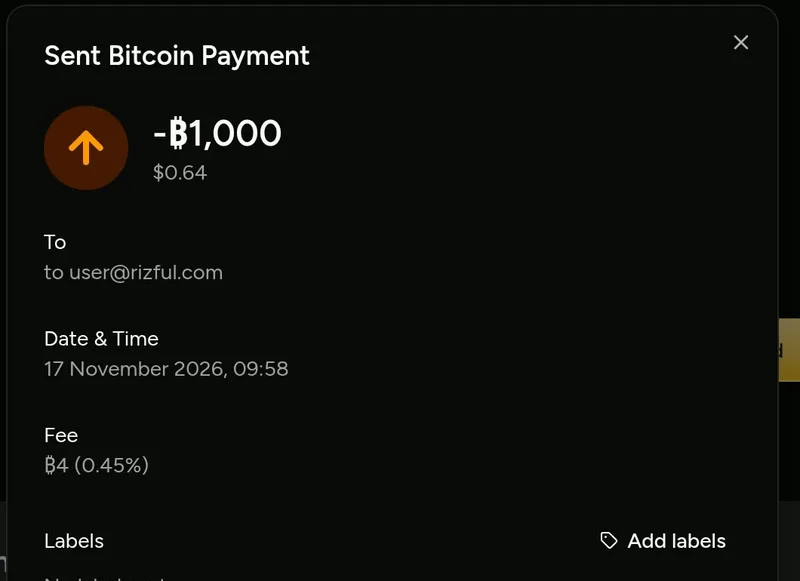
Sending: the hub paid the sats home to user@rizful.com: 4 sats in fees.
What About Wallet of Satoshi?
Wallet of Satoshi is the most famous Lightning wallet. It now runs on Spark, built by a company called Lightspark, and its own privacy policy says your transaction data, the amounts, times and addresses, may be processed by Lightspark. Breez's Glow, Blink, Primal and Cake Wallet use Spark too, so they're not on our list. More in Wallet of Satoshi Alternative and in our Lightning wallets guide.
Which One Should You Use?
- Just starting? Rizful: nothing to install, a Lightning Address right away, receiving free.
- An app from the store? Phoenix, or Lexe.
- Your own node? Zeus on your phone, or Alby Hub on your computer, with a channel from Megalith.
For more Lightning wallets, each with what happened on camera, see Best Bitcoin Lightning Wallets.
Get started: a free Lightning address at rizful.com.
FAQ
What is the best bitcoin wallet for beginners? For spending and getting paid, Rizful: it runs in any web browser, signs you up with an email and a password, and gives you a Lightning Address right away. Receiving is free.
Do I need a hardware wallet? For bitcoin you're keeping as savings, many people use one: look at Trezor, BitBox or Blockstream Jade. This guide is about wallets for instant Lightning payments on your phone or in your web browser.
What do Lightning wallets cost to use? In our test, receiving 1,000 sats was free in four of the five wallets (Lexe kept 5), and sending 1,000 sats cost 4 to 8 sats.
What is a sat? A sat is short for satoshi, the smallest unit of bitcoin; there are a hundred million satoshis in a bitcoin (What Is a Satoshi?).