Sending & Receiving Lightning With Rizful
The lifecycle of a payment between two people
Enough talk! Let's try this in action.
We're going to try sending & receiving a Lightning payment with Rizful, our free hosted Lightning wallet: it runs in any web browser, gives you a Lightning address and NWC codes, and is always online to receive.
Person A: Make The Invoice
The person who is going to receive the funds starts first, by generating an invoice
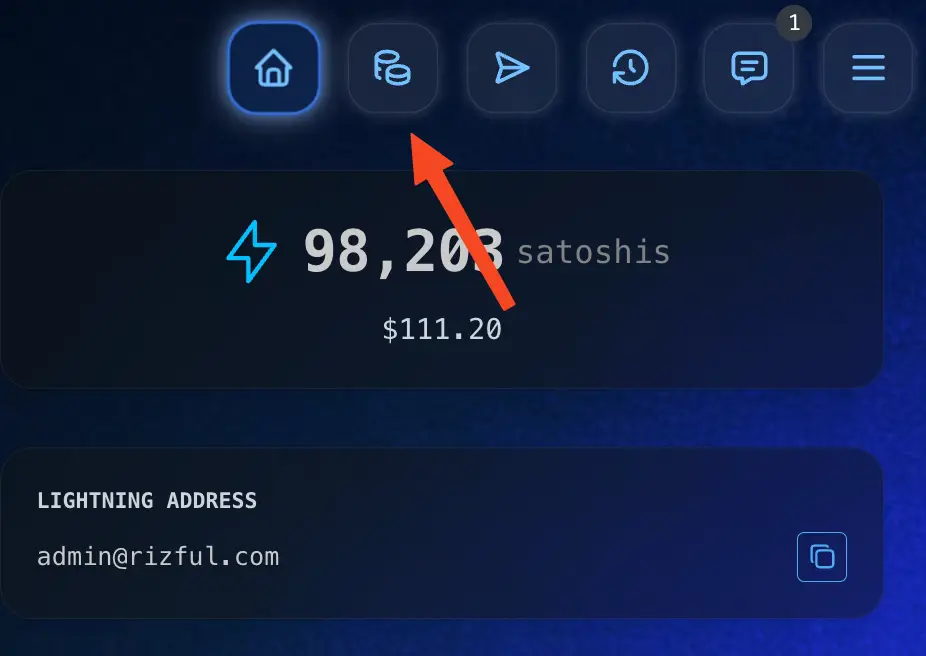
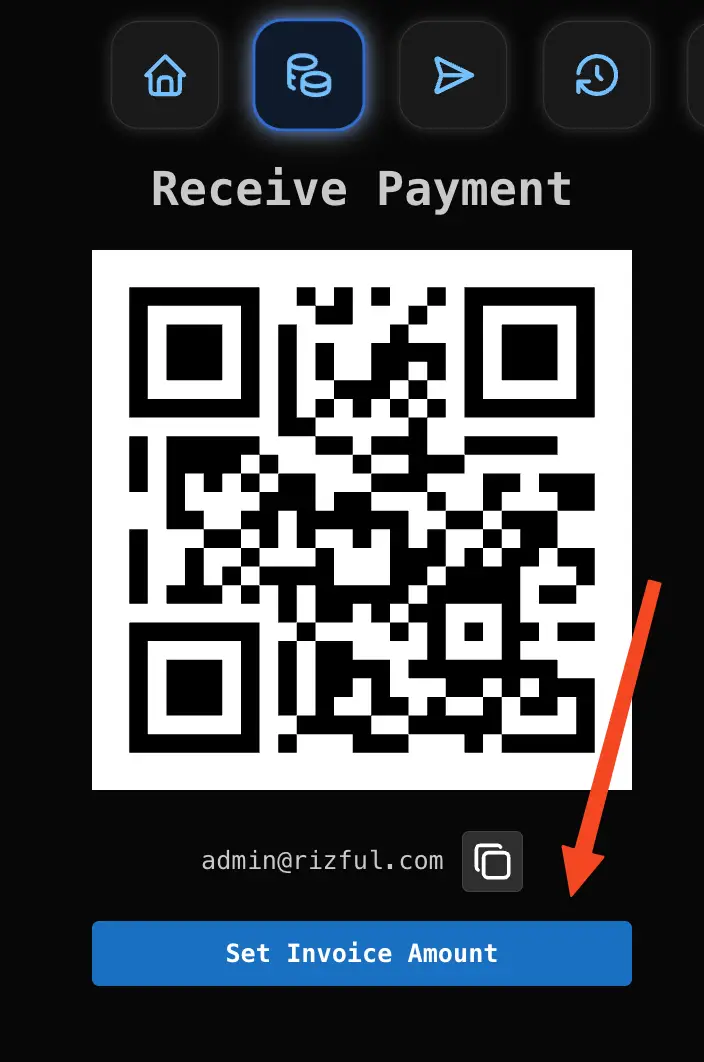
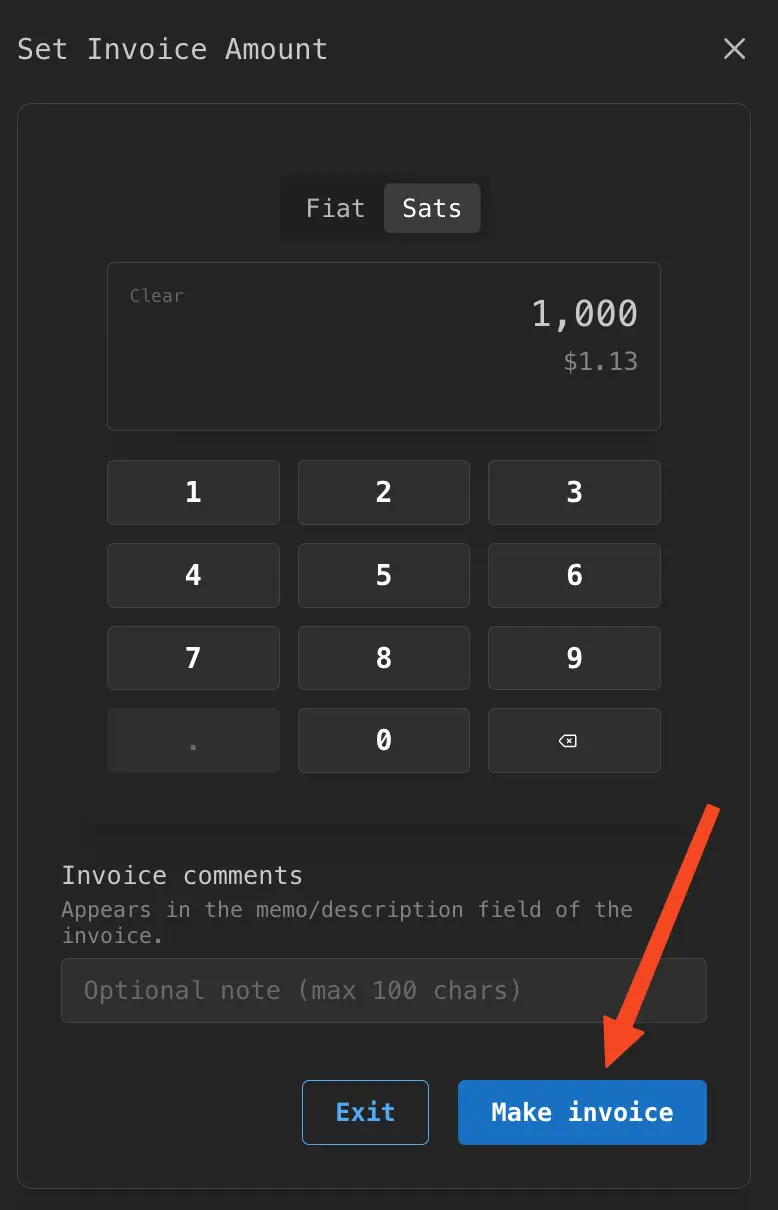
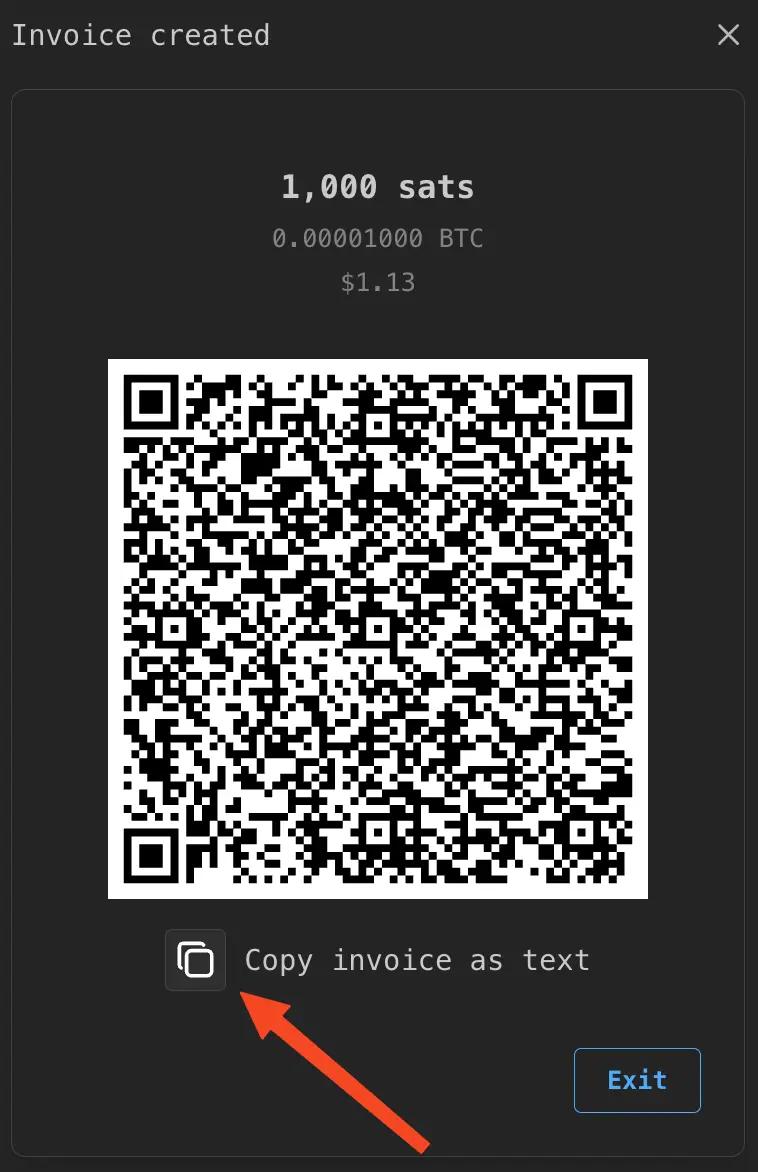
You can see that there is a QR code. That works well if you are going to pay the invoice from another phone (or other device with a camera), but in this case we are copying the invoice text to our clipboard.
A Lightning invoice looks something like this:
lnbc1m1pj7uhkwpp5xpgua0xkadxuq40r303d7uxmy3wguvr6j2dt943p6nsv4xuqmd0sdqqcqzzsxqrrssrzjqvgptfurj3528snx6e3dtwepafxw5fpzdymw9pj20jj09sunnqmwpapyqqqqqqzh9cqqqqlgqqqqqqgq9qsp5karh0f8xqvc2ujlet6w50r6xfqd2na0vwudftdxrk9en75zjt5ys9qyyssqmpl8fykw68gpj0ex8zppn6u98jsjg85675y96rqf9279g0xvzhrhf7zr6ycdqdx7y9qr9jn6gxg2qzmg5jknszqxqvfy6xwkalmfwxqq66mg50
Person B: Pay The Invoice
Now the person who is going to pay the invoice goes into Rizful (or any Lightning wallet), and scans the QR code or pastes the invoice text.
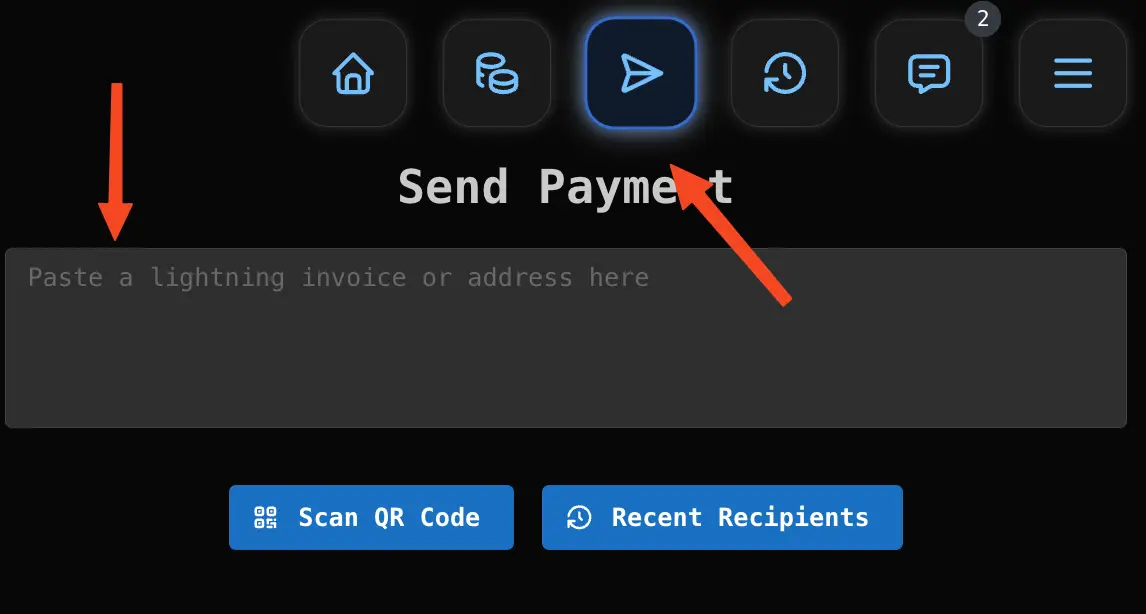
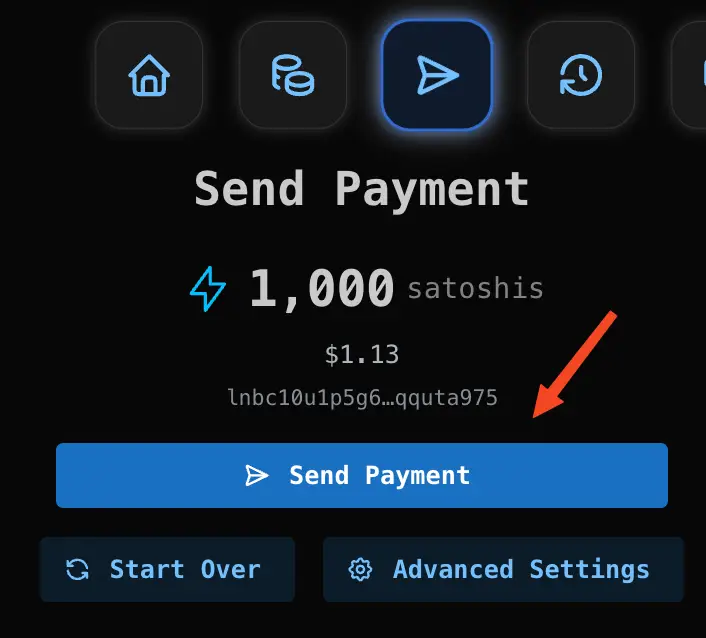
And less than a second later....
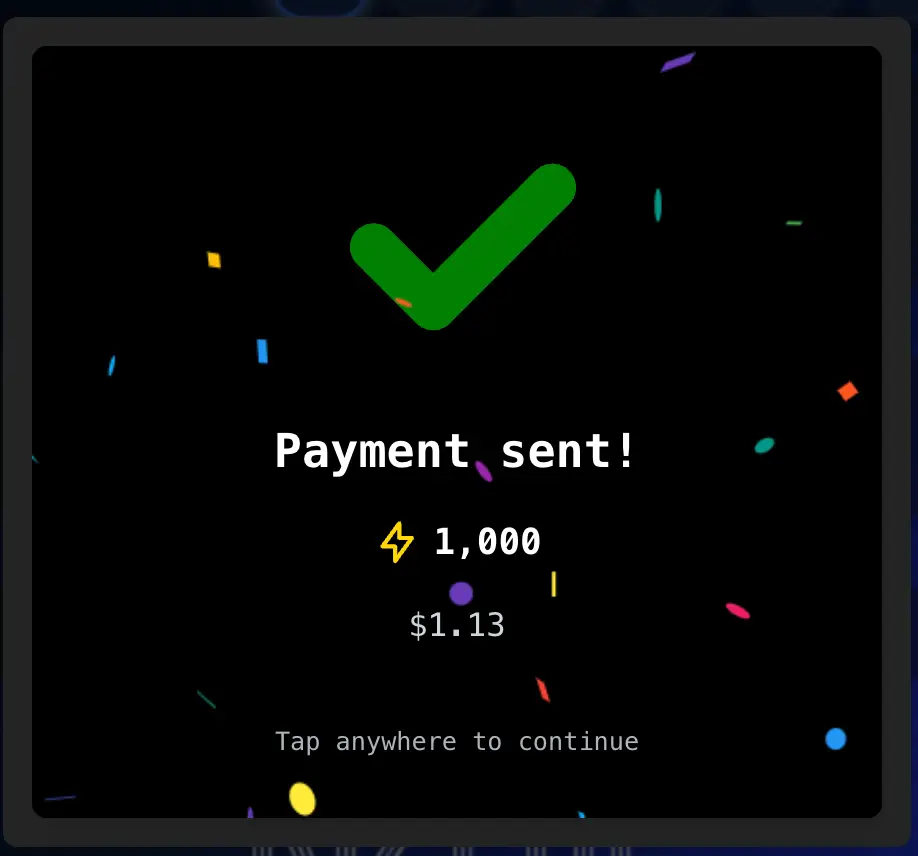
Are we done here?
Potentially, yes. If all you want from this guide is a bit of background on the Lightning Network, and a quick demo of how it works, then you can stop here.
You now know enough, actually more than enough, to use the Lightning Network to send and receive payments.
There are many Lightning wallets to choose from, including ones for your phone. If you want to keep going with Rizful, start with Your First Steps With Rizful.
If you're a developer and want your own website or app to receive Lightning payments into a Rizful vault, you don't need a node either: OpenReceive does it with a receive-only NWC code and a few lines of code.
But: If you want to get deeper into this, then let's discuss some of the trade-offs involved with running your own node...