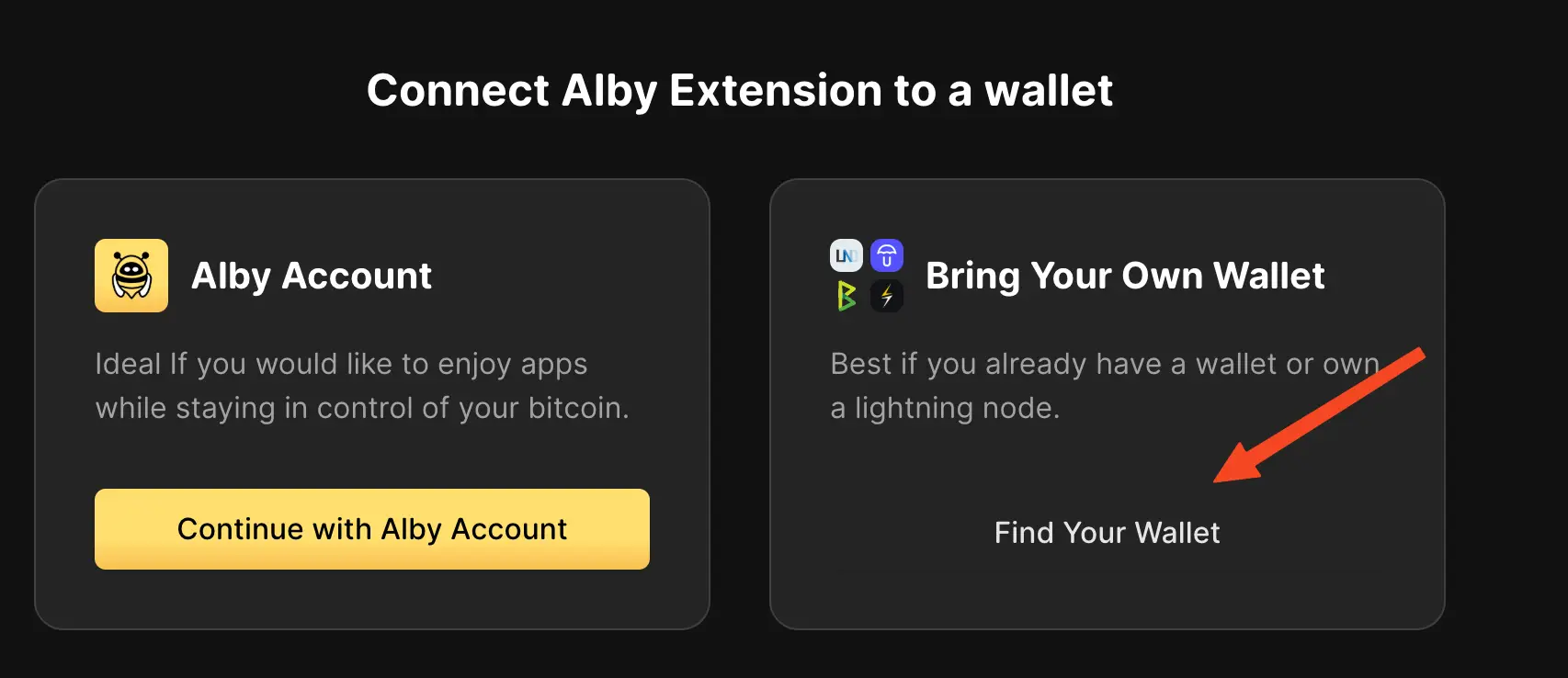
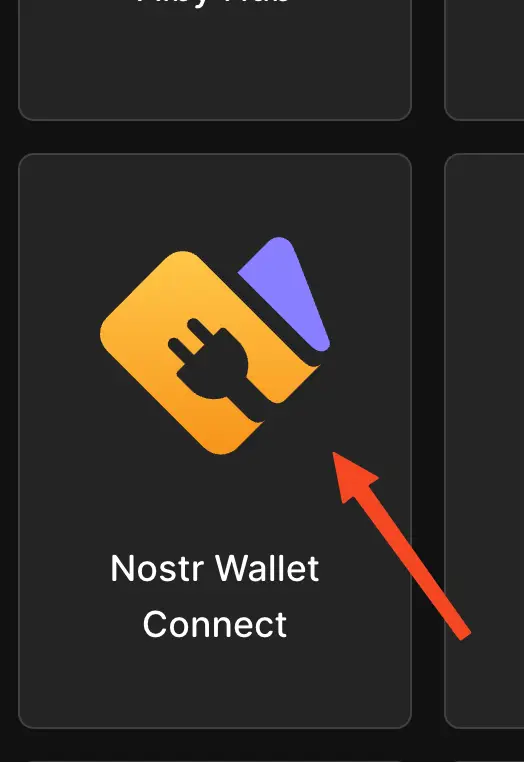
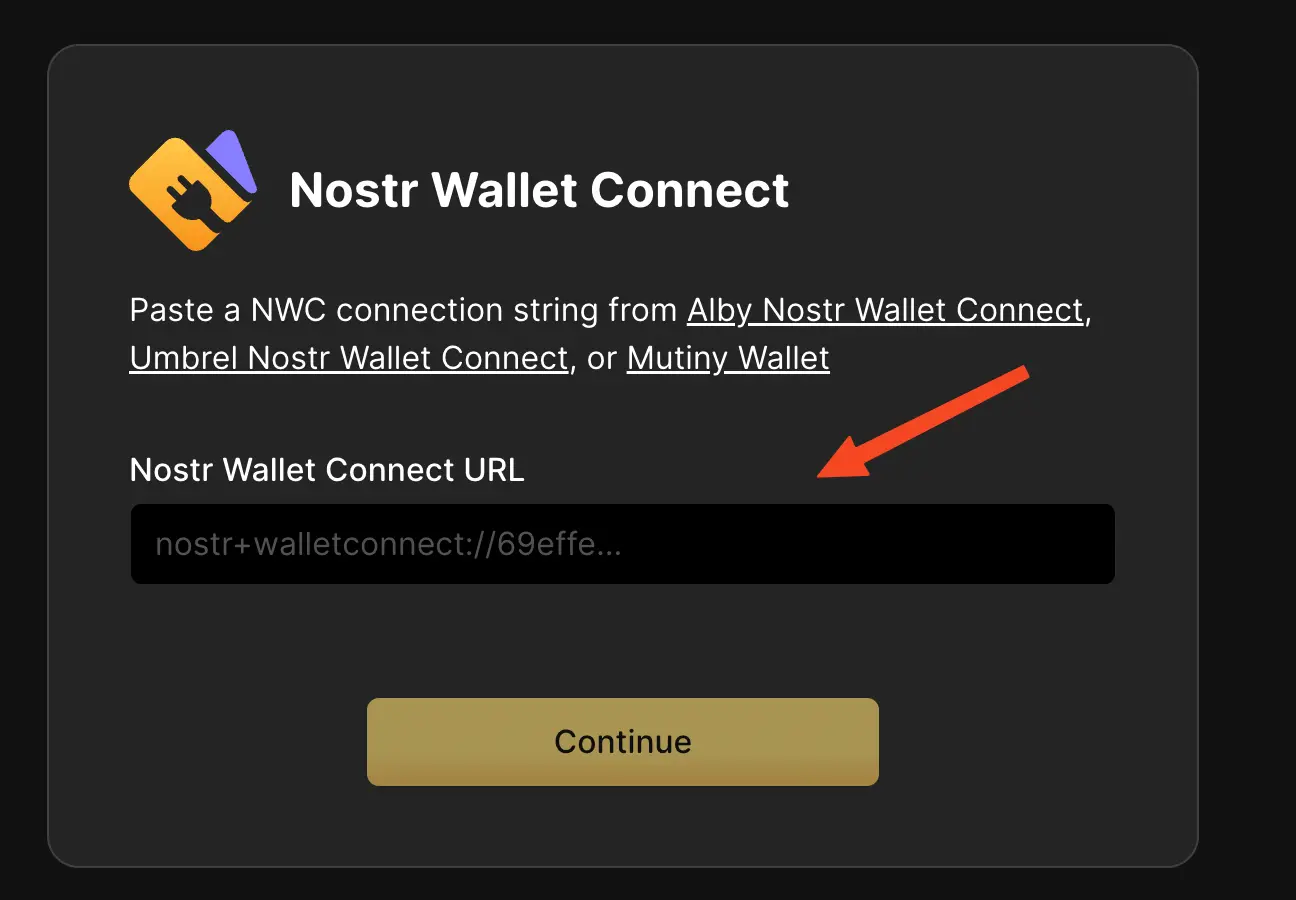
Use Alby Browser Extension With Rizful
 Use Alby Browser Extension With Rizful
It's easy to use Rizful.com as your back-end wallet for the Alby browser extension.
Get your NWC send & receive connection code from Rizful
1
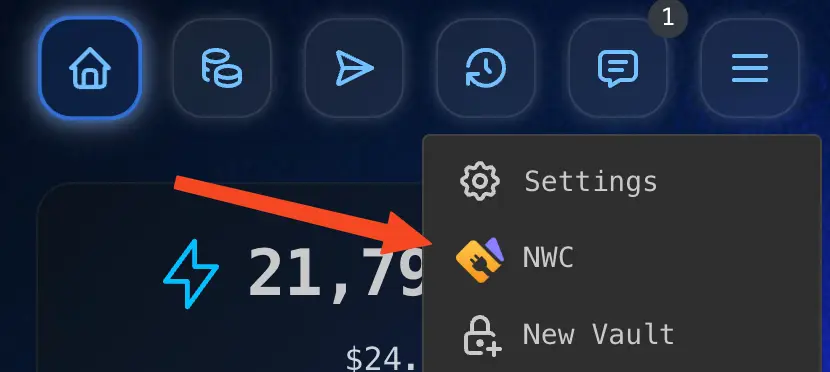
Tap 'NWC' in the main menu
2
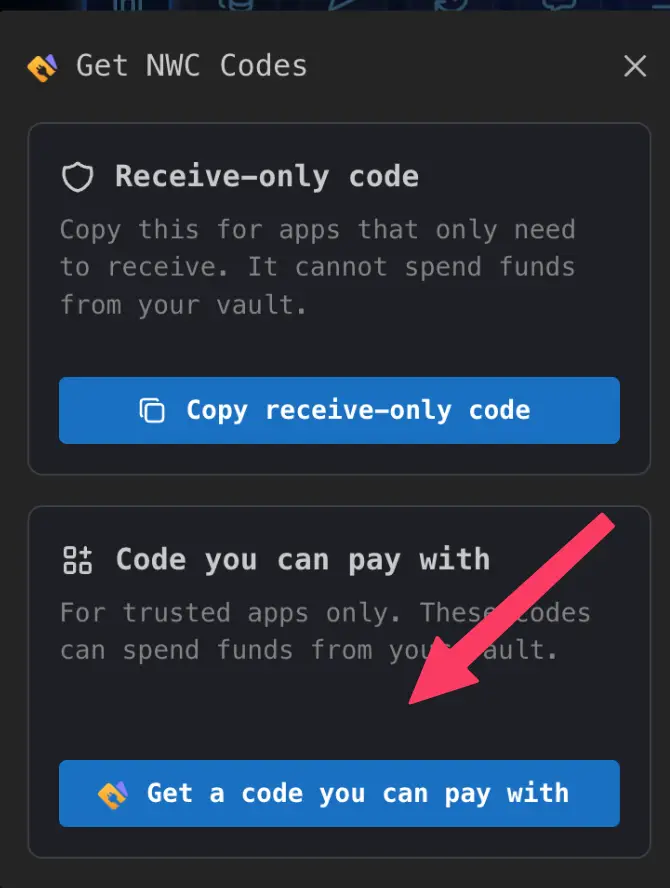
Tap 'Get a code you can pay with'
3
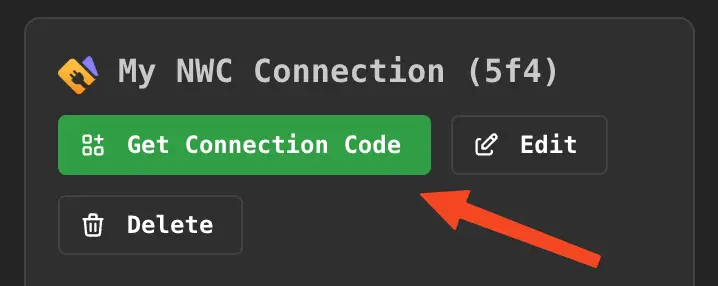
Tap 'Get Connection Code', then 'Copy Connection Code'
If the app only needs to receive, use Copy receive-only code instead.